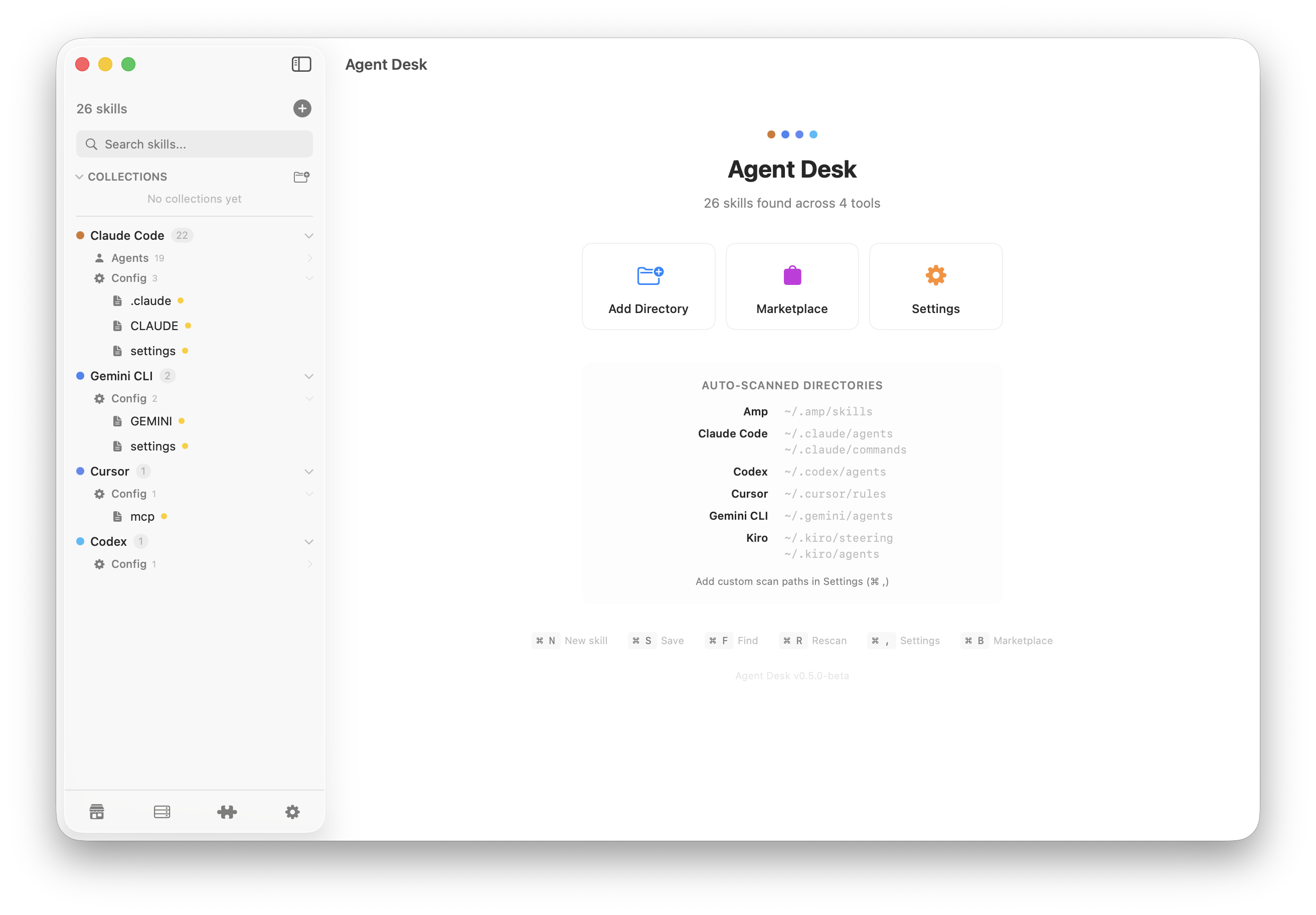
Auto-scans agents, skills, commands, and rules from Claude Code, Gemini, Cursor, Kiro, Windsurf, Copilot, Aider, Amp, and Codex. Works with nested project directories out of the box.
Folder-based Skills
Full support for Claude Code folder skills. Browse SKILL.md alongside supporting scripts, templates, and docs in an integrated file tree.
Project Scopes
Pin project folders in the sidebar and see exactly which skills apply to each. Disable global skills per project to keep context focused.
Rich Editor
Syntax highlighting for Markdown, JSON, YAML, and TOML. Markdown toolbar, find & replace, auto-save, word count.
Collections
Organize skills into playlist-like groups without moving files. Drag across tools, bulk operations, undo support.
Marketplace
Browse and install community skills from GitHub. 6 curated sources covering Cursor rules, Claude agents, and more.
MCP Servers
Unified view of MCP server configurations across all tools. API keys always masked for security.
P2P Sync Coming Soon
Sync files across machines peer-to-peer. No server, no account. End-to-end encrypted via libp2p. Selective sync with conflict resolution.
Enable / Disable Skills
Toggle any skill on or off per tool with a right-click — no deletion, no restart. Bulk actions let you disable all skills for a tool at once.
Plugins
View installed plugins across your AI tools. Claude Code plugin manifest parsed and displayed.
Full-Text Search
Search inside all files with line-level snippets. Recently opened, validation warnings, file templates.